Is YouTube Music Worth It Now? Premium Lite Comparison 2026
YouTube recently upgraded its subscription offerings. Its cheaper Premium Lite plan now includes background play and offline downloads — two features that were previously exclusive to full Youtube Premium subscribers. This raises a key question: do you still need YouTube Music Premium, or is Lite enough for most users? In this guide, we’ll break down the differences, explore the pros and cons, and help you make an informed choice.
What’s New with YouTube Premium Lite
Premium Lite now gives users:
Limitations: Music videos, Shorts, and certain content may still display ads or have restricted downloads, depending on region and content type.
These updates make Premium Lite much more appealing to users who primarily watch videos, especially casual viewers who want core features without paying for full Premium.
YouTube Music Premium vs. Premium Lite: A Comparison
Here’s a detailed comparison of the two subscription tiers:
| Feature | Premium Lite | Full Premium (With YouTube Music) |
|---|---|---|
| Ad-free videos | Yes | Yes |
| Background play | Yes | Yes |
| Offline downloads | Yes (mostly videos) | Yes (videos + YouTube Music) |
| YouTube Music app | No | Yes |
| Offline music downloads | No | Yes |
| Personalized music recommendations | No | Yes |
| Cross-device playback sync | Limited | Full support |
| Playlist creation in Music app | No | Yes |
Key takeaway: Lite is great for general video use, but full Premium still dominates for music enthusiasts.
Why YouTube Music Premium Might Still Be Worth It
Full Premium is still worth considering for:
Even if Lite now has some similar video features, music-heavy users continue to benefit from Premium.
Who Should Choose Premium Lite
Premium Lite is a good fit for:
Comparing Value for Money
From a cost perspective:
Premium Lite:
About half the price of full Premium, giving core features for casual users.
Full Premium:
Costs more but provides a complete ecosystem, including YouTube Music Premium, offline music downloads, and ad-free experience for music videos.
Tip: If you mostly use YouTube for music, the extra cost of full Premium can be justified by the added convenience and features.
Device Compatibility and Platform Features
Full Premium supports multiple devices and platforms:
Tips for Choosing the Right Plan
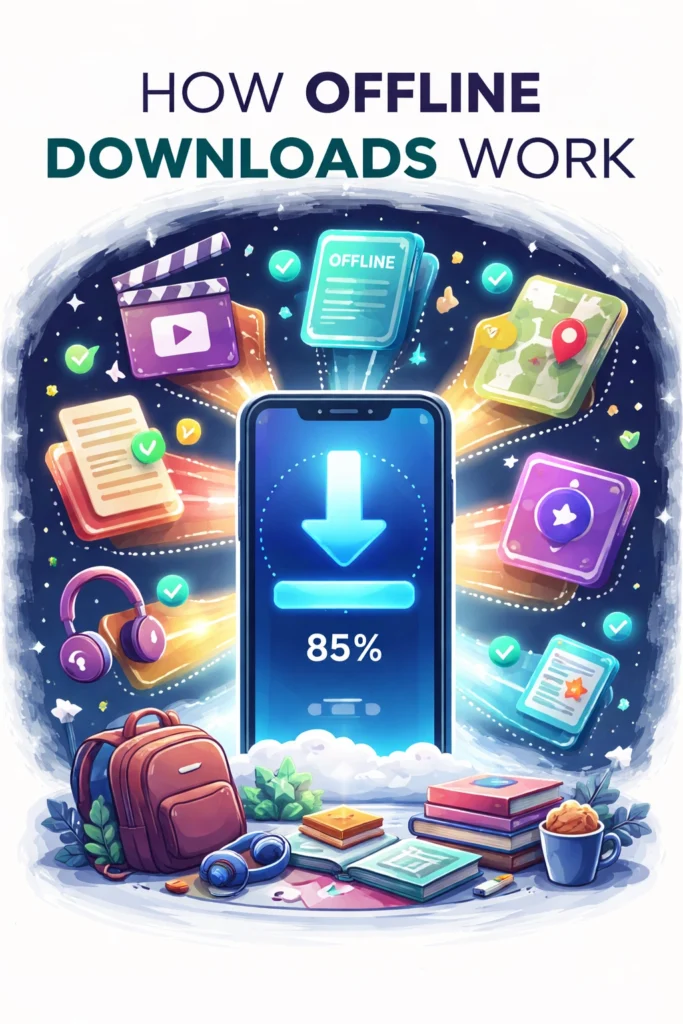
How Offline Downloads Work
Premium Lite allows offline downloads for most videos, which can be convenient during travel or low connectivity. However:
Full Premium allows downloads for all supported videos and full music downloads in the YouTube Music app.
Pros and Cons of Premium Lite vs Full Premium
- Lower cost.
- Background play for videos.
- Offline downloads for videos.
- Good for casual users and video viewers.
- No YouTube Music Premium.
- Music videos may still have ads.
- Limited cross-device sync for playback.
- Full access to YouTube Music Premium.
- Offline music and video downloads.
- Personalized recommendations and playlist support.
- Seamless cross-device playback.
- Higher cost.
- Features may be overkill for casual video watchers.
Frequently Asked Questions (FAQs)
Final Thoughts
YouTube’s updates to Premium Lite make it a more compelling option for video watchers, especially casual users or those on a budget. If your main goal is ad-free video playback, offline downloads, and background play, Lite may be all you need.
For music enthusiasts, YouTube Music Premium remains the best option, offering ad-free music, offline downloads, cross-device sync, and advanced music features that Lite cannot match.