Why YouTube Premium Family Member Was Removed or Paused 2026
If you suddenly got a message like “Your YouTube Premium family membership was removed or paused,” or a family member no longer has Premium benefits, you’re not alone. This happens when YouTube checks who really qualifies for a Family plan.
Here’s what’s going on (in plain language):
What Changed with YouTube Premium Family Plans?
YouTube now checks more strictly where people on a Premium Family plan are actually watching from.
Even though the rule has existed for a while, YouTube only recently started enforcing it seriously: all family members must live in the same household — meaning the same physical address — as the person paying (called the family manager).
If YouTube detects that someone isn’t at the same place, they might send an email saying your Premium benefits will be paused in about 14 days.
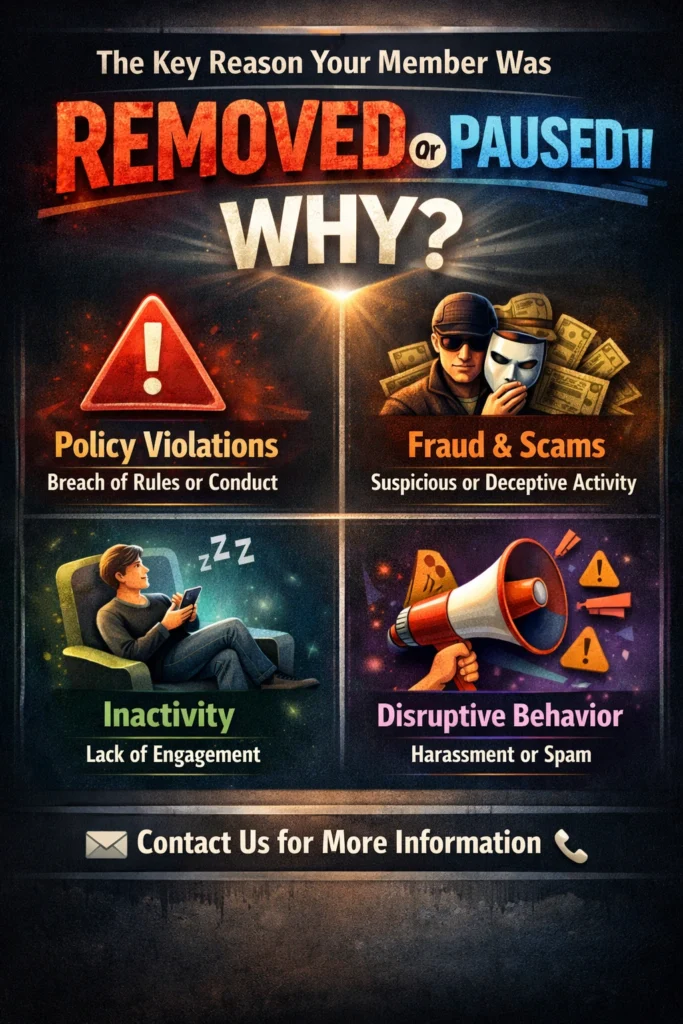
The Key Reason Your Member Was Removed or Paused
They Don’t Appear to Live With the Account Owner
Even if you think someone is part of the family plan, YouTube uses technology (like IP location checks) every month to confirm everyone lives in the same household.
If someone is:
…then YouTube might flag their account and pause Premium benefits.
You still stay in the family group, but you’ll go back to regular YouTube with ads — no ad-free videos, no background play, no YouTube Music.
Why Is YouTube Doing This Now?
YouTube isn’t the only streaming service tightening rules — Netflix, Disney+, and others have done the same to reduce shared accounts across households.
The reasons are mostly:
This crackdown is happening slowly, so not everyone is removed or paused yet — but it’s rolling out more widely.
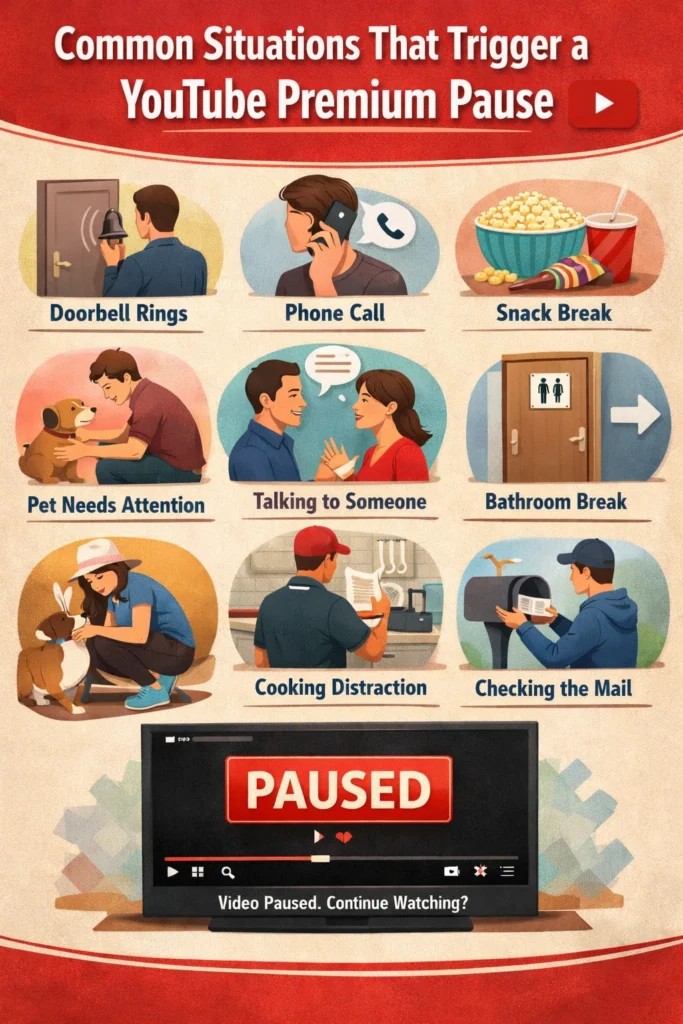
Common Situations That Trigger a Pause
Here are real-world reasons people are seeing their Premium paused:
YouTube checks this about every 30 days.
How Can You Fix or Prevent It?
If you get a warning or your member is paused, try these steps:
Make Sure Everyone Uses the Same Home Address
Check the family manager’s account and Family settings to ensure the address is correct.
Respond to YouTube’s Email Promptly
If YouTube flags an account, they usually give a deadline. Follow the instructions in their email to confirm eligibility.
Contact YouTube Support
If you do live in the same household but were flagged incorrectly, contact support and explain your situation. Sometimes support can restore access.
Tips to Avoid Future Pauses
Should You Switch to Individual Plans?
If your situation means you and your “family” are actually spread out (different cities or countries), your membership could be removed or paused.
YouTube has:
Switching to one of these can save frustration and keep your benefits working.
How to Re-Add a Paused Member
If a family member was removed or paused but is eligible, you can re-add them:
This often restores access quickly if it was removed or paused, without waiting for the next review cycle.
Understanding YouTube’s IP and Location Checks
YouTube monitors:
If it notices frequent changes in these, the system may flag the account. Knowing this helps you avoid accidental pauses — for example, don’t log in from vacation spots for long periods if you want uninterrupted Premium access.
What to Do If You’re Temporarily Away
Sometimes a family member is away for work, study, or travel. YouTube allows temporary absences without being removed or paused permanently.
Quick Summary
| What Happened? | YouTube paused a family member’s Premium benefits |
|---|---|
| Main Reason | They didn’t appear to live with the account owner |
| What You Lose | Ad-free viewing, background play, downloads, YouTube Music |
| How to Fix | Confirm address, contact support, or use individual plans |
Frequently Asked Questions (FAQs)
Final Words
YouTube Premium Family is great — but only if everyone really lives together. If a member is removed or paused, don’t panic! Follow the tips above, double-check addresses, and reach out to support if needed.
Remember: the goal is to make sure everyone in your plan can enjoy ad-free videos, background play, and YouTube Music without interruptions. Keep your household info up to date, plan ahead for travel, and your Premium experience will stay smooth.
Think of this as YouTube helping you keep the plan honest — so everyone gets their benefits the right way!